

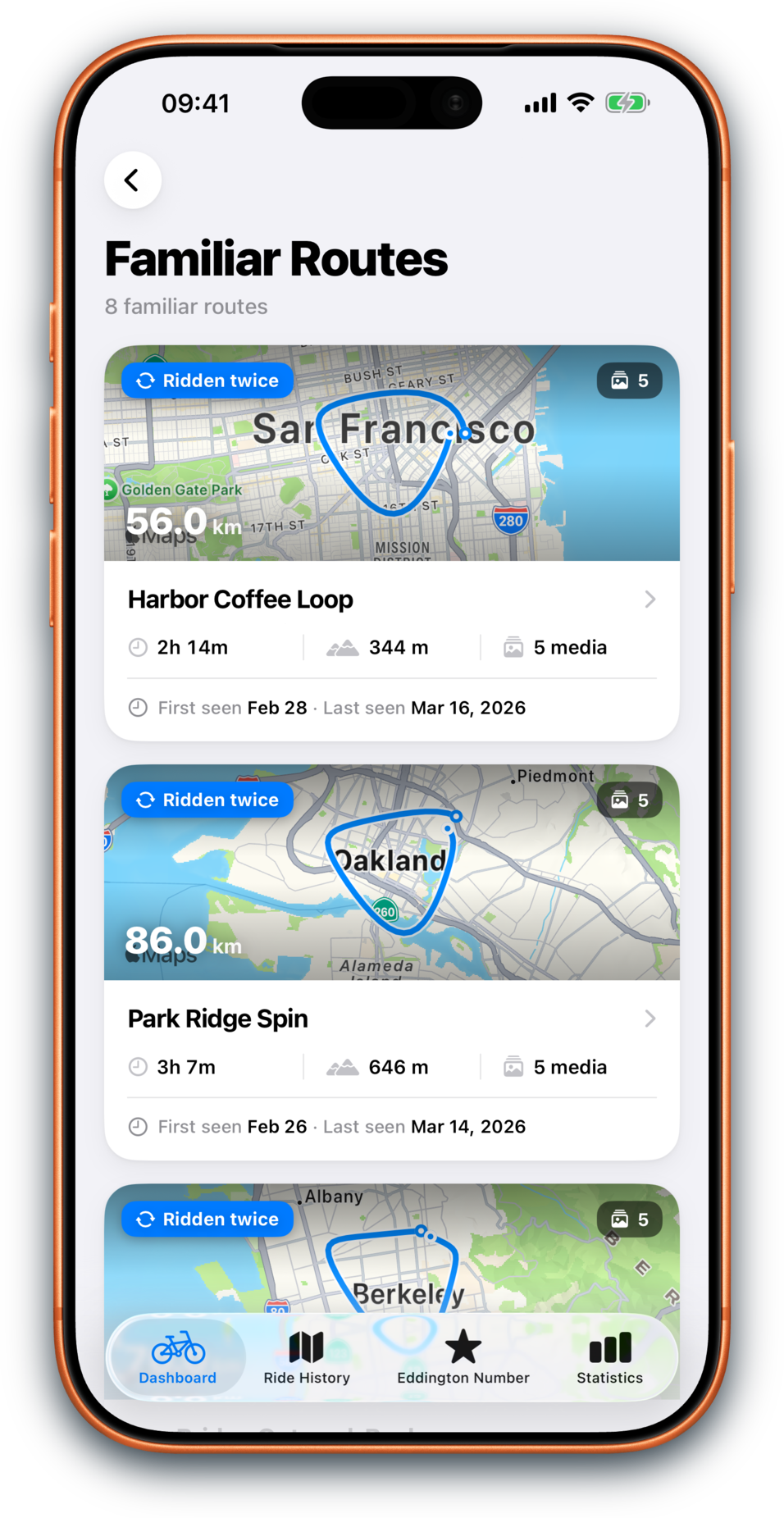
Open familiar routes
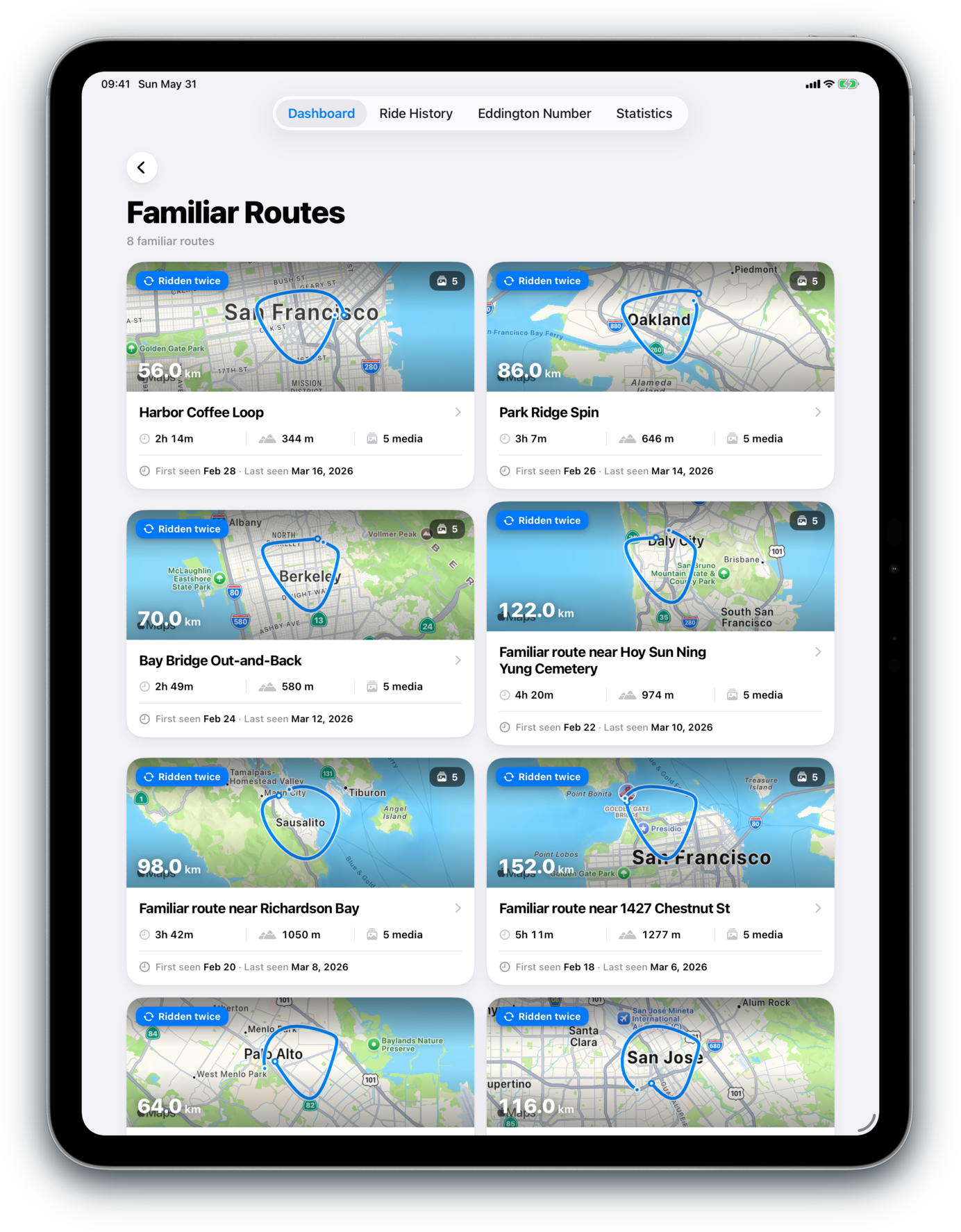
Repeated loops can now open into route histories with totals, memories, and recent rides.
Everyday riding, made visible
Bikingo turns Apple Health cycling workouts into a calmer picture of your riding: familiar route histories, tappable Dashboard totals, redesigned Ride Detail, Eddington drill-ins, Heart Zones, and the progress that builds over time.
Why Bikingo
Bikingo is for everyday riders: commuters, errand riders, weekend wanderers, and anyone who feels better after time on a bike. It helps you notice progress, routes, and memories without turning every ride into training.
Bikingo 2.7
Bikingo 2.7 makes familiar routes feel more like places with their own histories, adding richer route cards, map-hero route lists, redesigned Ride Detail, and clearer paths back to repeated loops.
Repeated loops can now open into route histories with totals, memories, and recent rides.
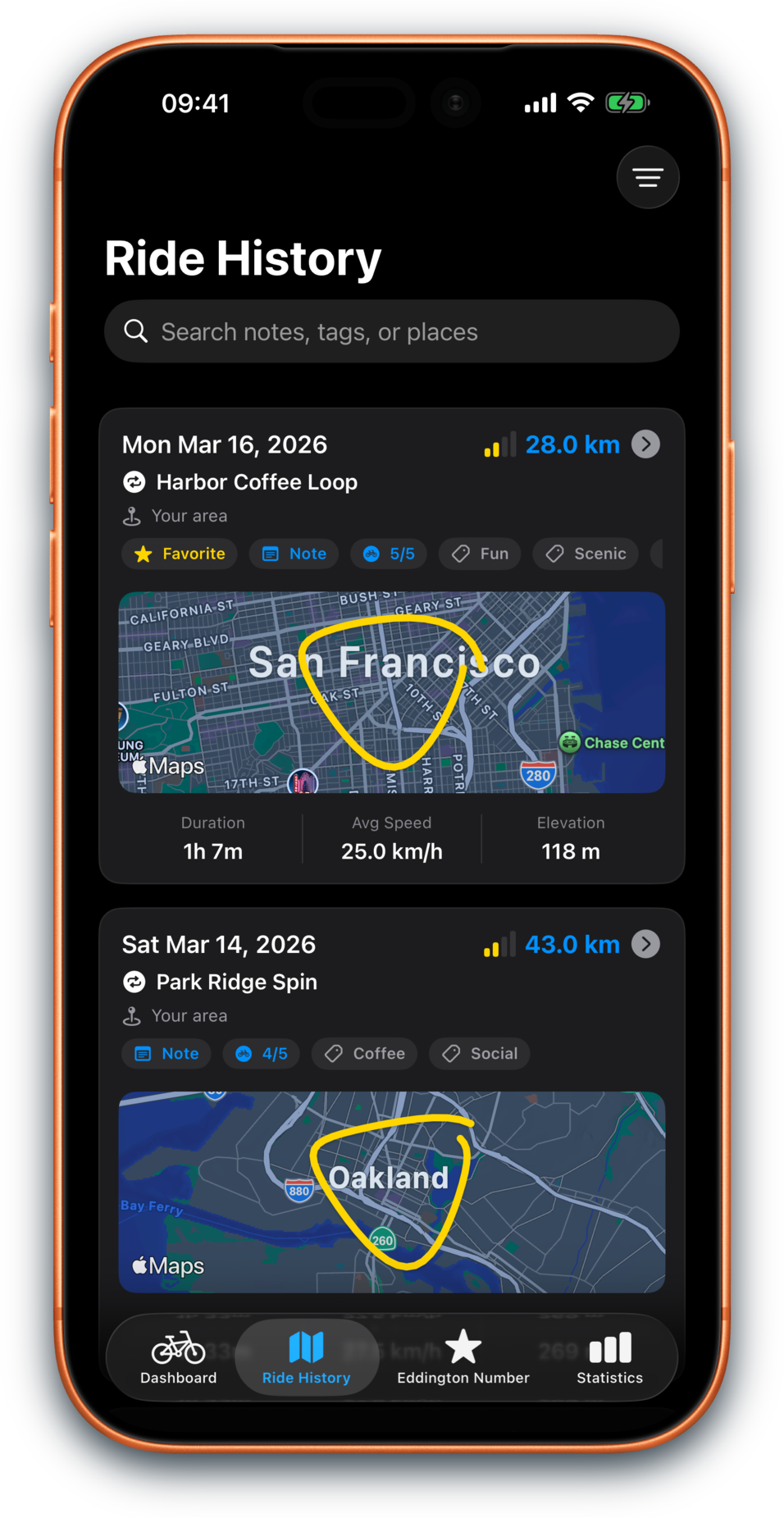
Ride History keeps familiar route filters, memory badges, and repeat rides close at hand.
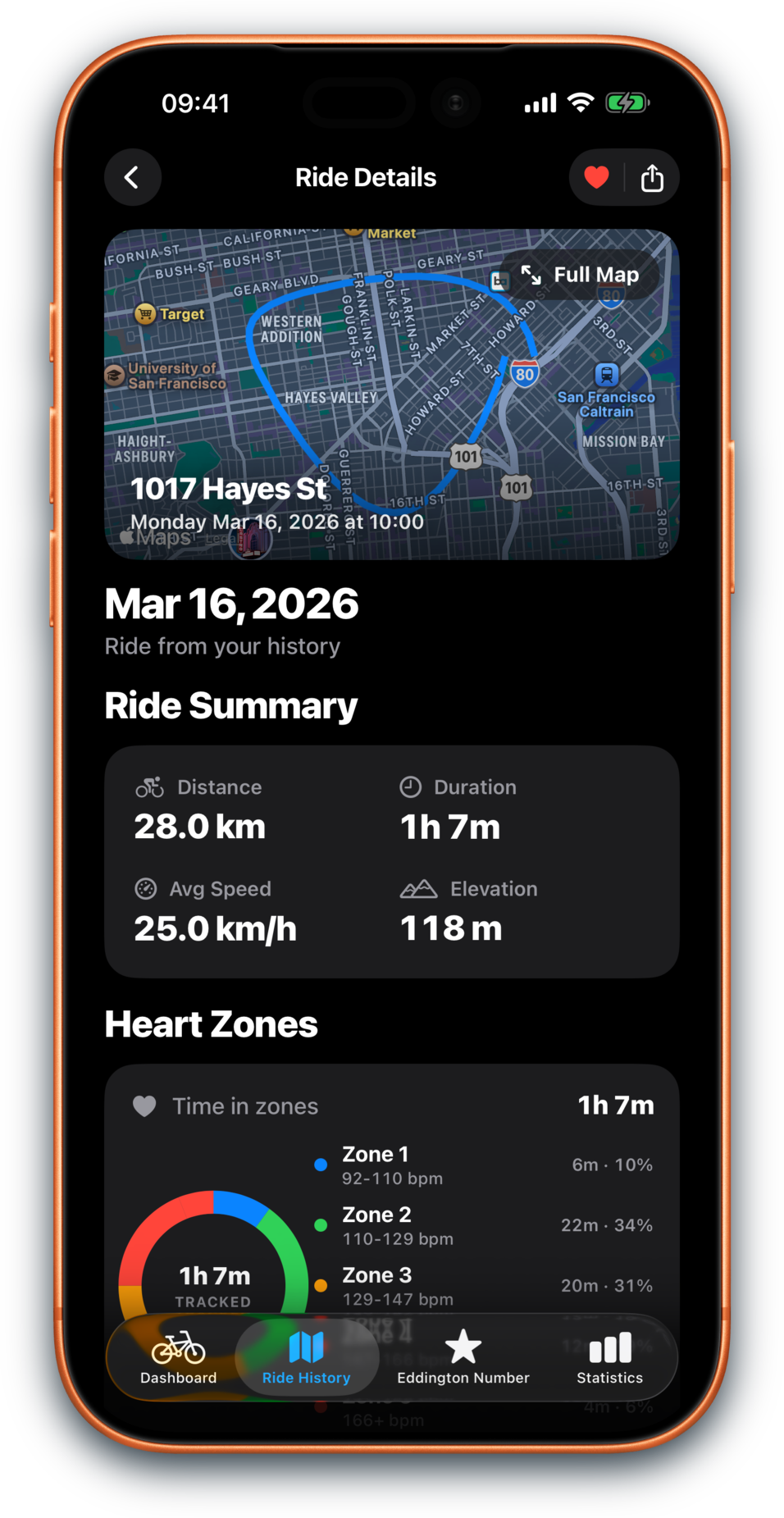
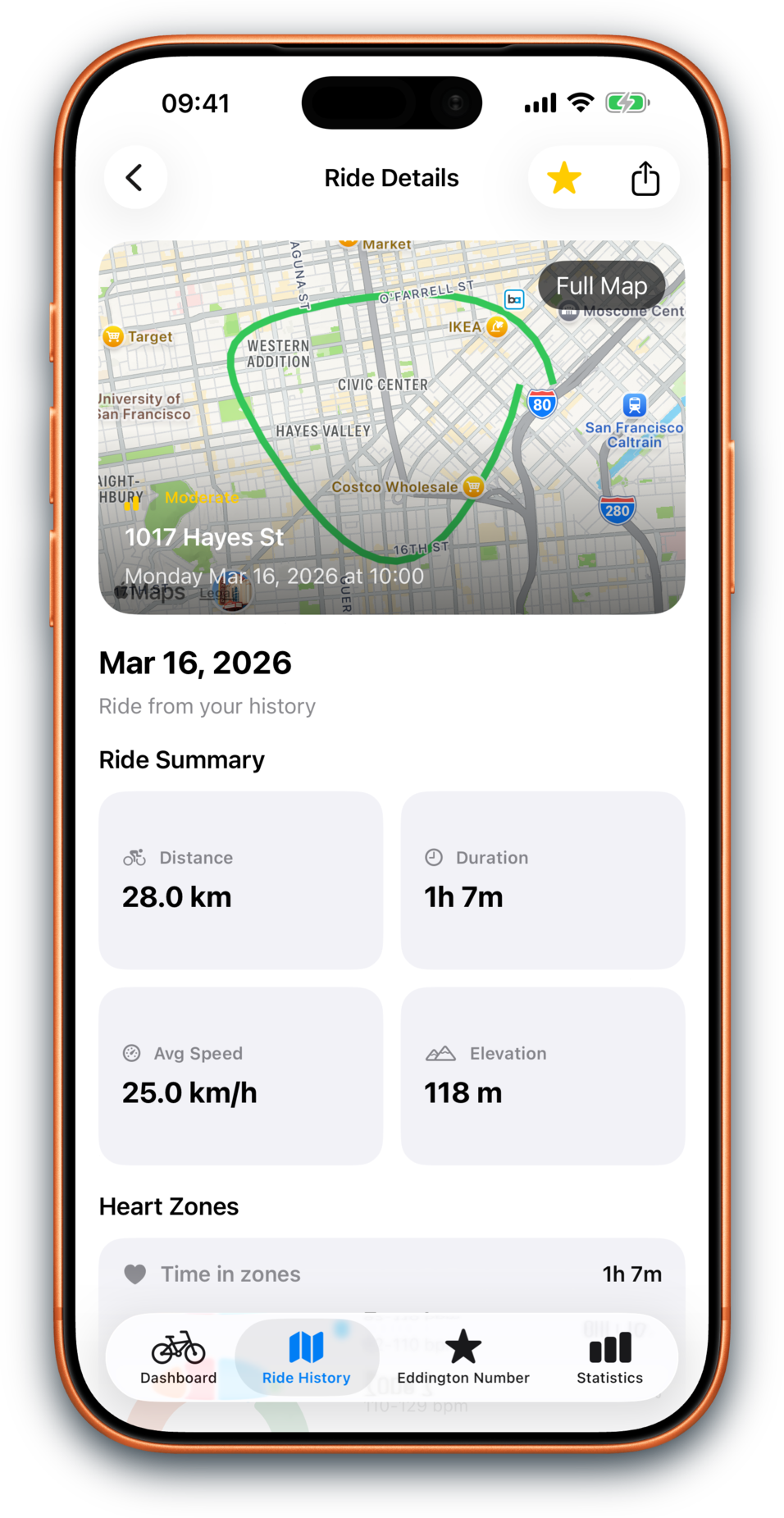
Ride Detail now sits on the refreshed design system with maps, memories, source, media, and route context.
Dashboard
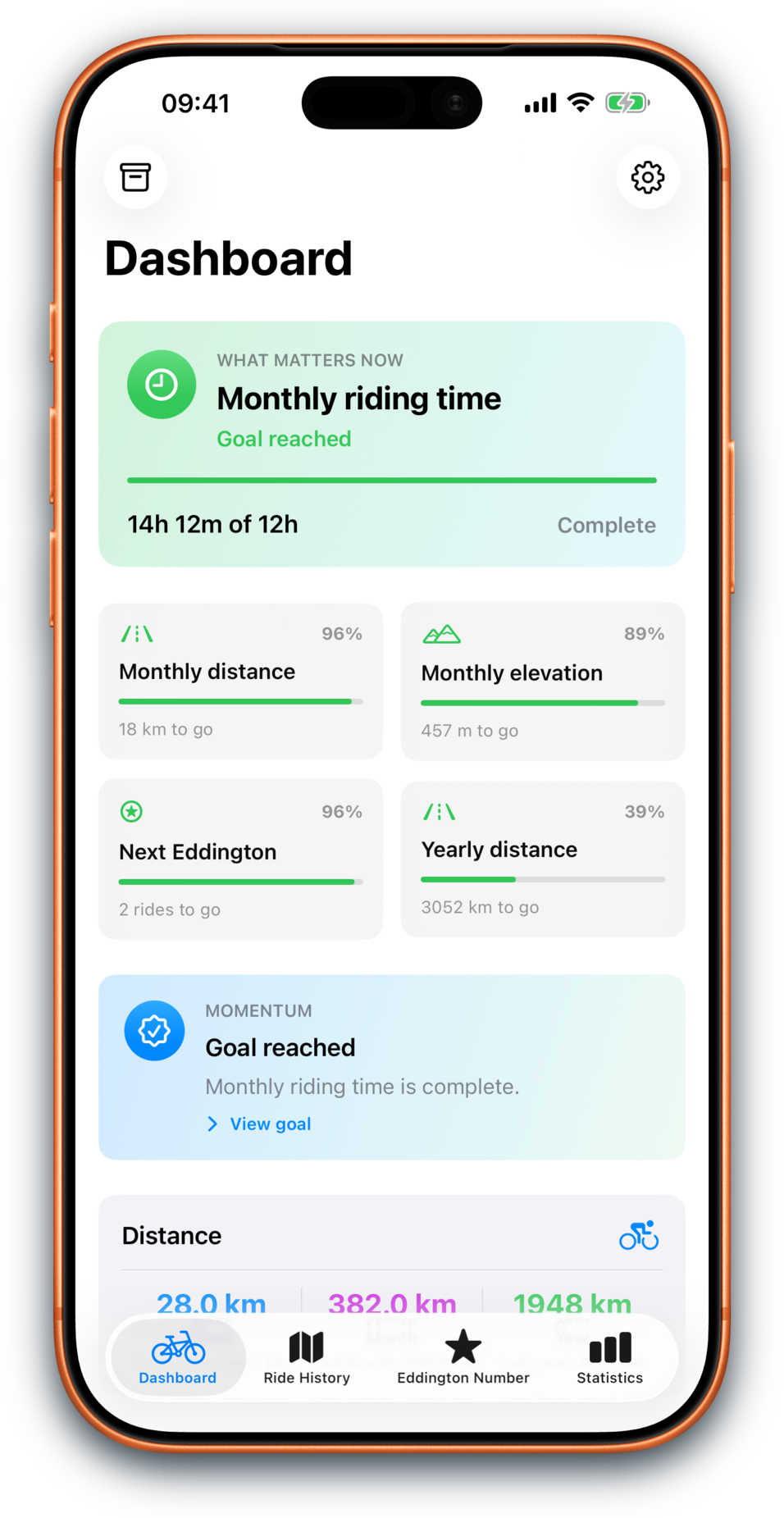
Open the app and quickly understand your goals, recent rides, Momentum insights, yearly distance, and familiar routes. Repeated loops can open into route histories that show the rides and memories behind them.
Eddington Number
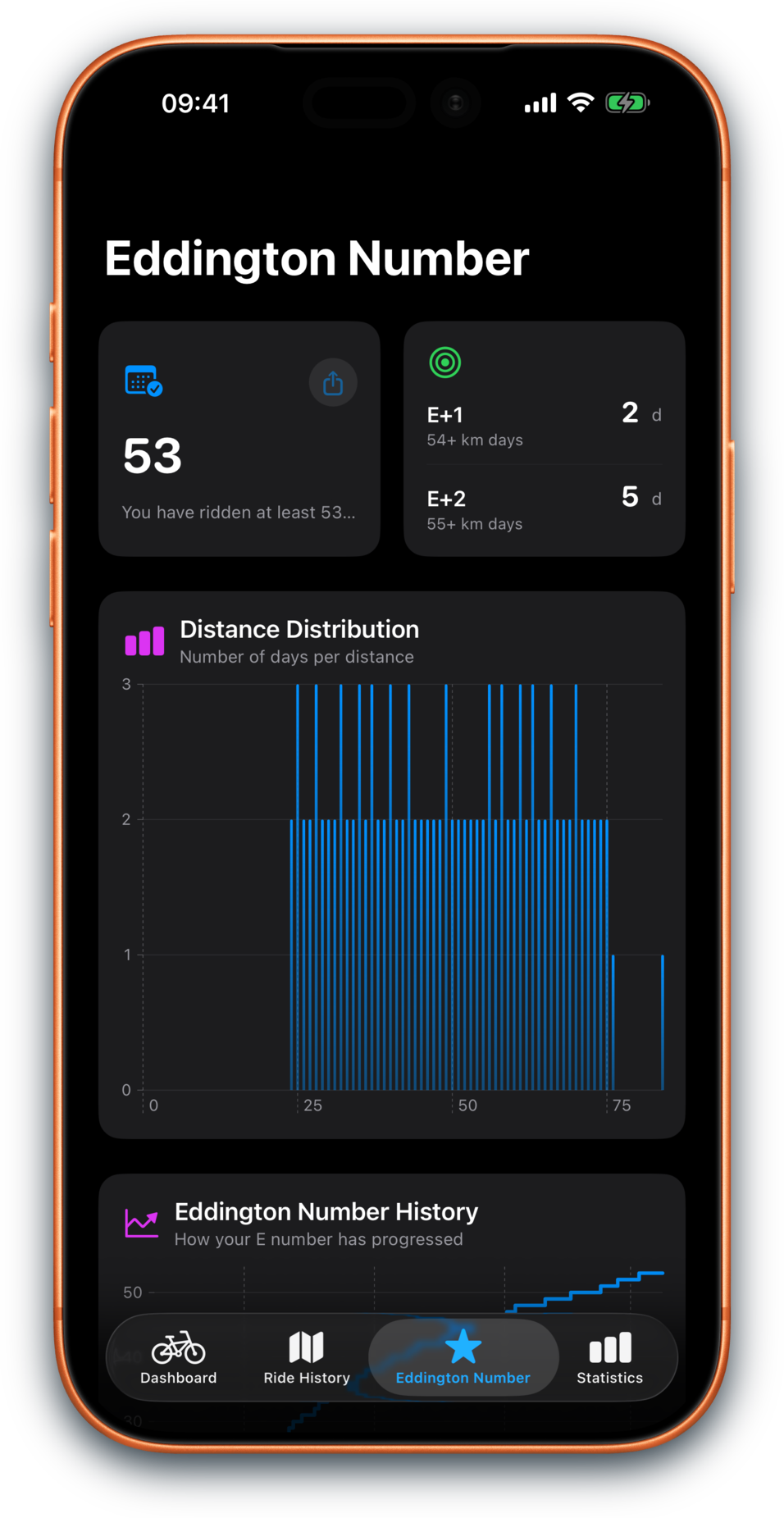
If you like quirky cycling metrics, Bikingo gives the Eddington Number a proper home, with your current number, next milestone, distance breakdown, and the qualifying ride days behind it.
New to it? The Eddington Number is a cycling metric based on how many days you have ridden at least a given distance.
Statistics
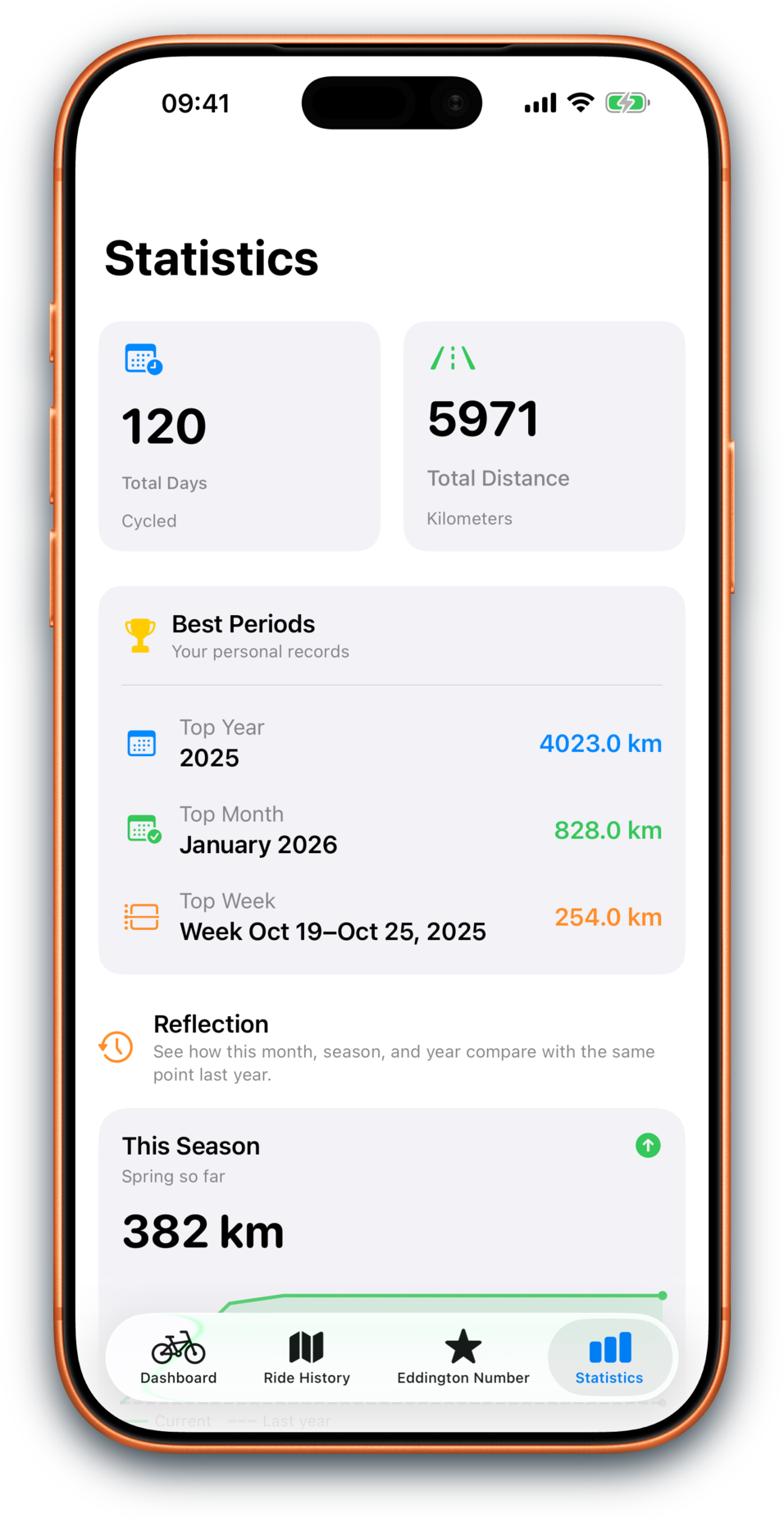
See how often you ride, how long your rides tend to be, which days are most popular, which weeks were busiest, and how your month, season, and year compare over time. Best efforts can take you back to the ride behind the result.
Ride history + detail
Ride History is a dedicated tab with search, memory filters, named familiar routes, and distance, time, and date filters. Familiar routes now get richer history cards, while Ride Detail gives each ride a redesigned home for maps, workout source, Heart Zones, conditions, elevation, media previews, memories, and route context.
Recaps
Weekly and monthly recap cards turn your riding into something you can keep, share, archive, or simply look back on, with goal-aware storylines that stay gentle.
Apple Watch
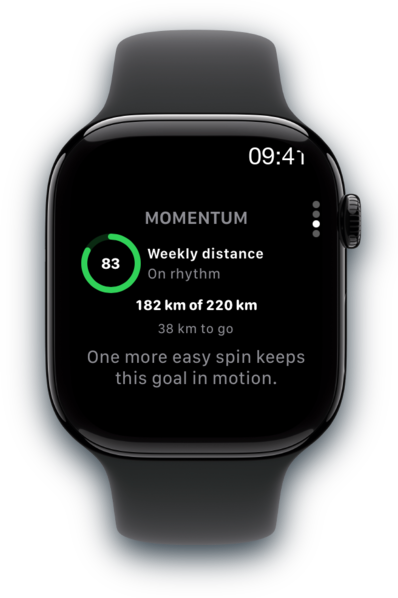
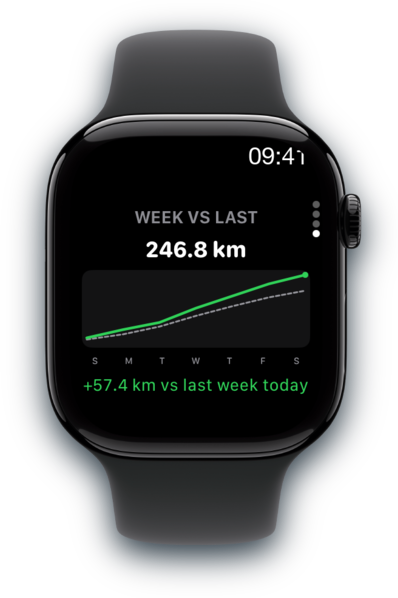
Start with your Eddington Number, then swipe into this week’s distance, Goal Momentum, and week-over-week progress without pulling out your phone.
News
Bikingo 2.7 (build 236) is prepared for Apple review, adding richer familiar-route histories, route cards, memory signals, hide controls, and refreshed screenshots.
Bikingo 2.6 (build 225) has been submitted to Apple for review, adding a Dashboard Add Memory ritual, route naming, media review, Activity Detail memory polish, and light memory moments in recaps.
Bikingo 2.4 (build 213) has been submitted to Apple for review, adding Dashboard drill-ins, Ride History range filters, Eddington qualifying ride lists, best-effort activity links, and richer Ride Detail source and media context.

About Bikingo
Bikingo is a passion project built by a recreational cyclist who wanted a better way to track riding progress.